WA Vault 1.2.0 released
I am thrilled to announce that today I released a new version of Vault, with plenty of new features that, I believe, can be useful. Now, let me share a few thoughts with you.
I believe that it is necessary for those users who do not know where to start with an operating system, to have a way to find useful applications that help them experiment, and create wonderful stuff. And at the end have fun. That's why I created Vault. But a simple list of applications becomes frustrating, especially as it grows more and more.
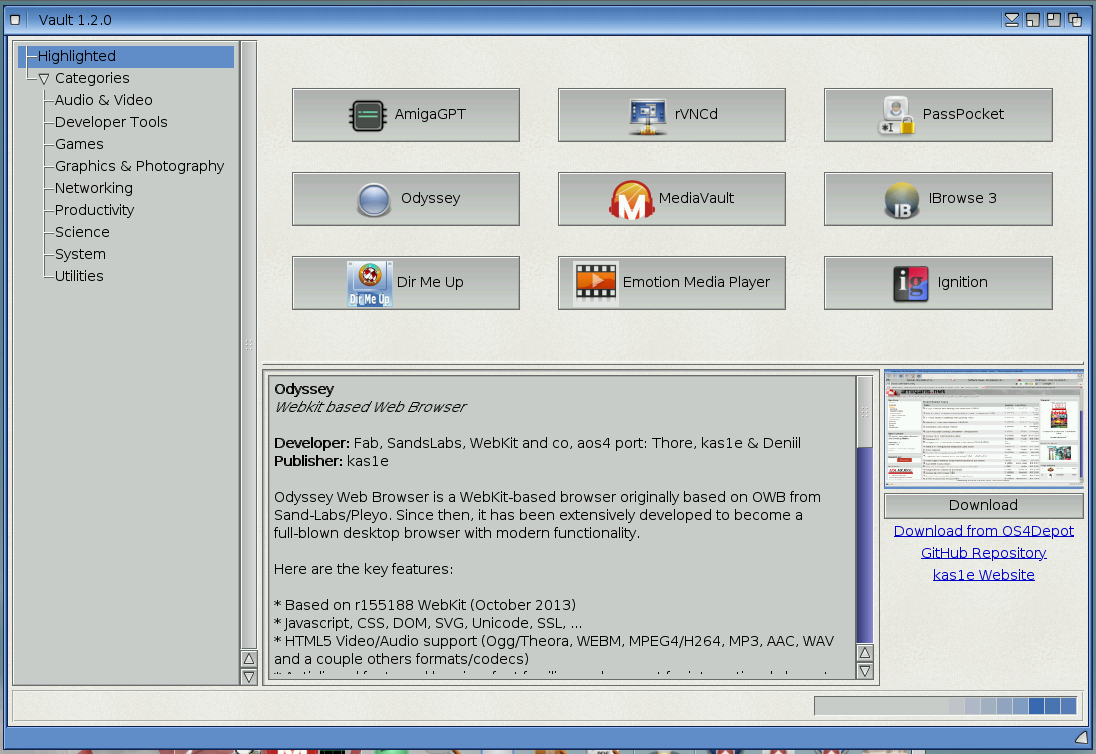
So, from this new release I introduced the Highlighted section, that is the first showing up when Vault starts, and proposes applications that can be a good starting point. It doesn't have to do with them being the best or the worst, or anything. They are, let's say, the first page of a book, if I can say that. For example, one of the first things that someone might want to download is a good browser. There are two there, and they also have Download buttons, to get them right from Vault, save them anywhere the user likes and then extract and install them. The last parts have to be done by the user for now, as Vault just downloads the archive.
Having the new Highlighted section, required the left sidebar to change, and have the new section first in the list and all the categories grouped, sort alphabetically. But this new structure gives me plenty of space to add more stuff in the future. Maybe add options of listing websites, or online sources for documentation. I do not know yet what I would like to add, but it is good to have options, isn't it?
To help users find an application, although they might not know in which category this might be, I added a Search field at the top section of the window. Typing the name, or even a part of it, will list all the applications that match. Even I needed it sometimes, especially when I add new applications. I need to double-check if I already have one in the list, and a search field is quite useful for me.
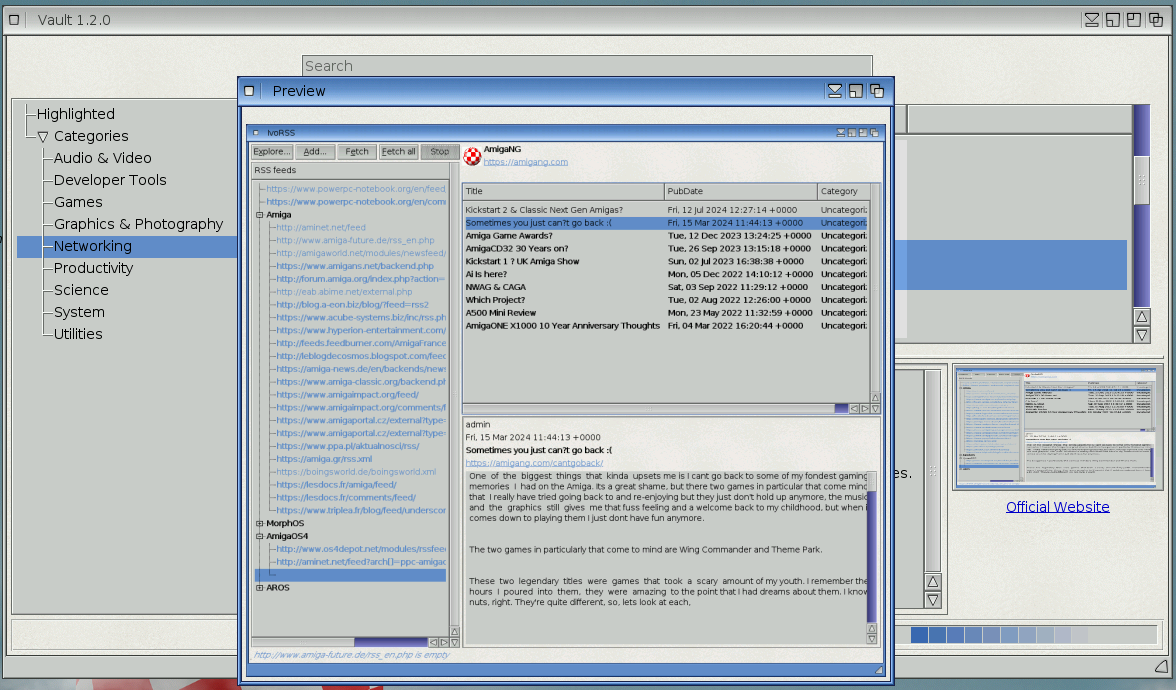
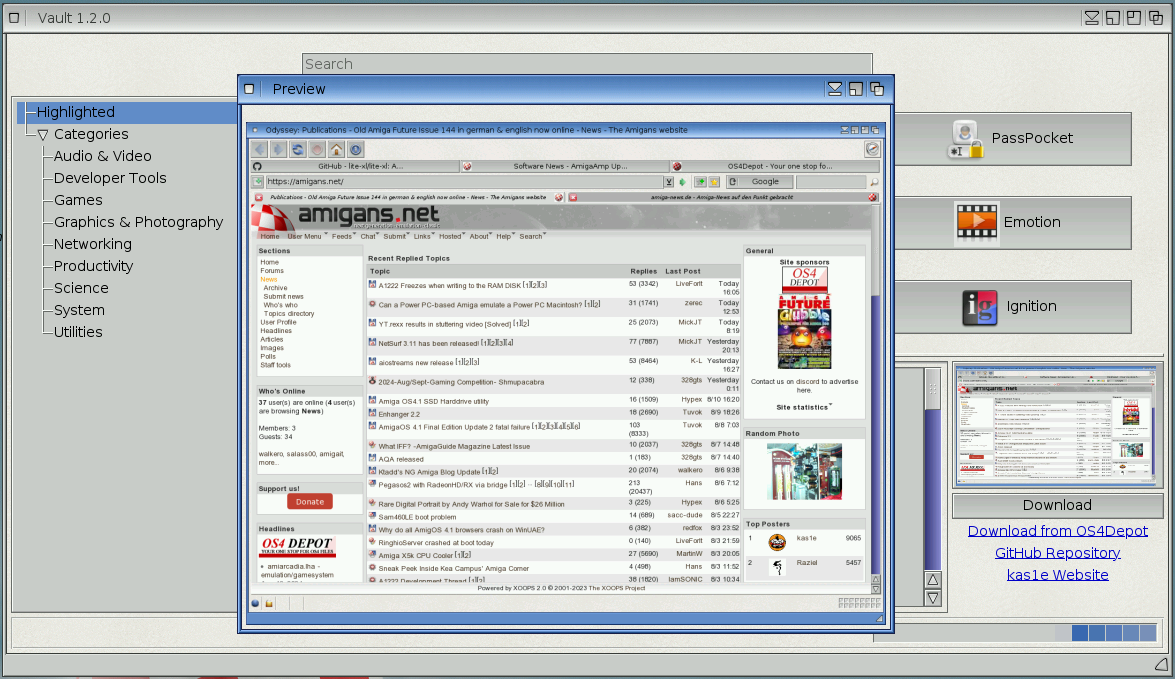
Finally, a change that was requested by a few users, is having a way to see a bigger version of the screenshot for an application. Now that image is also a button, and when it is clicked a new dialog open with a bigger version of the image. All the images are saved under the cache drawer, inside the Vault drawer. It is recommended to delete that folder, so that new images can be downloaded, especially for the icons, since they slightly changed in size, from 32px to 46px. This will make them look better and more clear.
This new version will be available from OS4Depot, from this official website and also from AmiUpdate, since I added that feature as well, making it even easier for the users to track new versions.
Slowly, more applications will be added in the Vault list. If someone would like to help make this list bigger, please contact me. Even for proposing which applications should be added.
Hope you find these new release features useful.

Comments