WA Amistaller is the new installer for big packages
Today I finally released a new application I was working for some time now, called Amistaller. It is an installer that can be used with packages that have multiple archives included, like the SDK Addon I maintain.
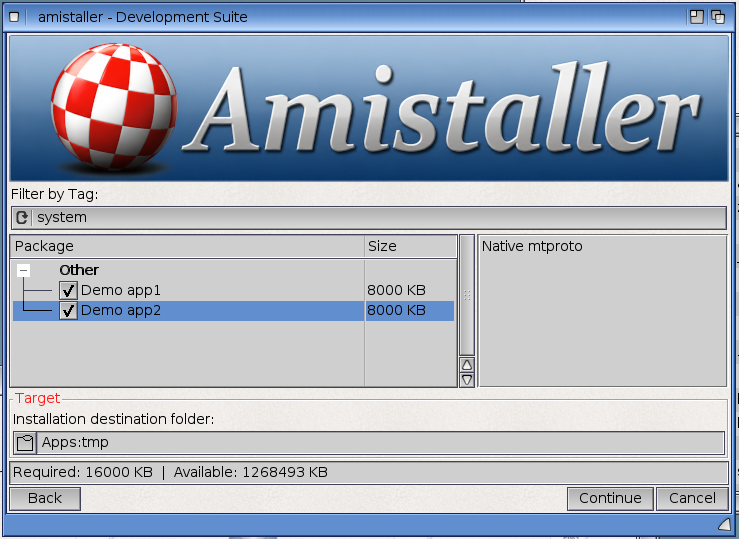
Today I finally released a new application I was working for some time now, called Amistaller. It is an installer that can be used with packages that have multiple archives included, like the SDK Addon I maintain. As you can see, the idea came out of a necessity I already had. In some parts, it is similar to the installer that comes with the official SDK for AmigaOS 4.1 FE, but has plenty of extra features.
Amistaller can be used with YAML files, where it can be defined what screens (pages if you like) will be displayed and how the installer will behave. There is an optional introduction screen, where users can read information about the whole package. Then there is an optional agreement (licence) screen which the user needs to accept to continue with the installation.
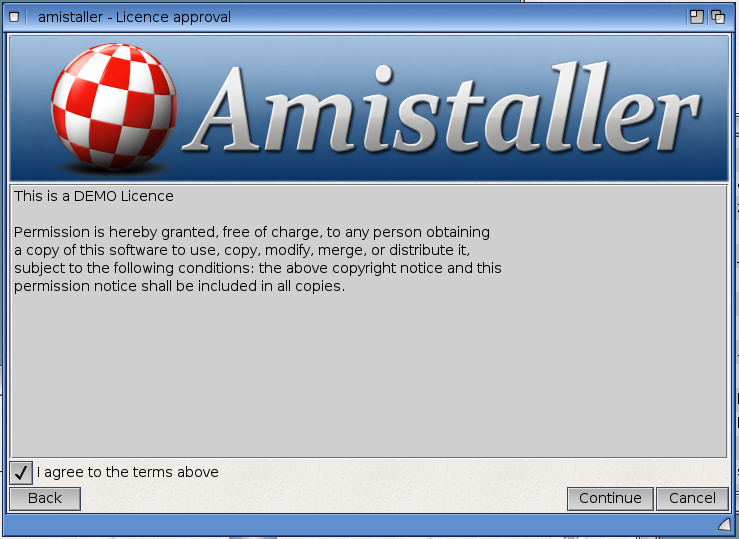
And then there is the packages screen, which shows the available packages, and those that need to be downloaded (see header image in this post). That is a feature I always wanted because the user might not need all the packages, so it doesn't make sense to have them downloaded already. So, packages can be defined, and if they get selected they are downloaded, as long as there is an internet connection already in place.
The target folder can be selected through an ASL requester or by drag 'n dropping it into the window, and after a confirmation screen, the installation is executed. During the installation, it is possible to execute Amiga shell commands before and after the extraction of an archive. This is useful where file changes need to be done, like files to be moved after the archive is extracted, or soft links to be created.
Here is a list of Amistaller features:
- Install packages from local archives or download them over HTTP or HTTPS.
- Verify downloaded archives with optional SHA-256 checksums.
- Extract common Amiga archive formats through
xadmaster.library. - Select individual packages or groups of packages by tag.
- Install packages in dependency order and detect invalid dependencies.
- Run pre-install and post-install AmigaOS shell commands.
- Use
%TARGETDIR%in scripts to refer to the chosen destination. - Check the estimated required space against the available space on the destination volume.
- Set the installation destination by choosing a folder or dragging a target folder into the installer window.
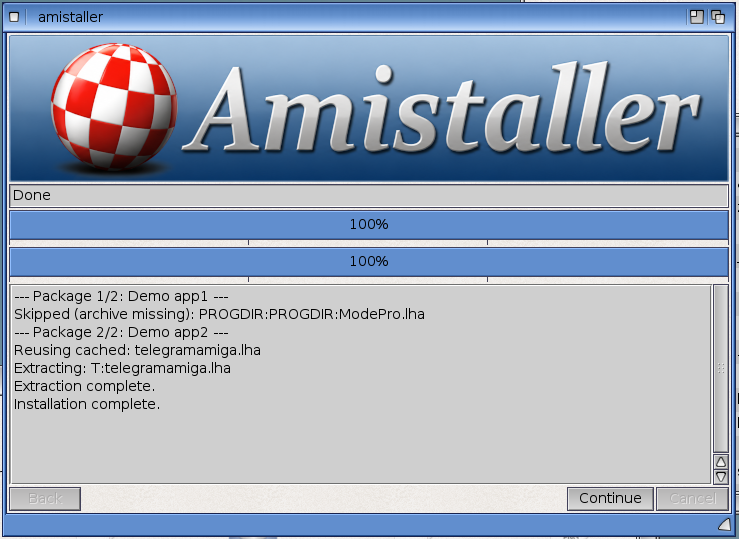
- Show installation progress and log downloads, extraction, and script results.
- Display custom introduction, licence, and completion text.
- Add a header image to the installer screens.
- Cache downloaded archives in T: (or Ram: if T: is unavailable) for reuse.
- Optionally offer to restart the system when the installer closes.
Amistaller cannot be used on its own. It requires a proper YAML file to be available. All the information on how to create the YAML files is included in the archive, but they are also available in the project's wiki page. Examples are included, as they can be used for starting points for new scripts.
Amistaller is available to be downloaded from my projects' website, but also from OS4Depot.
Comments